Apps
DoDomain, one tap from your home screen
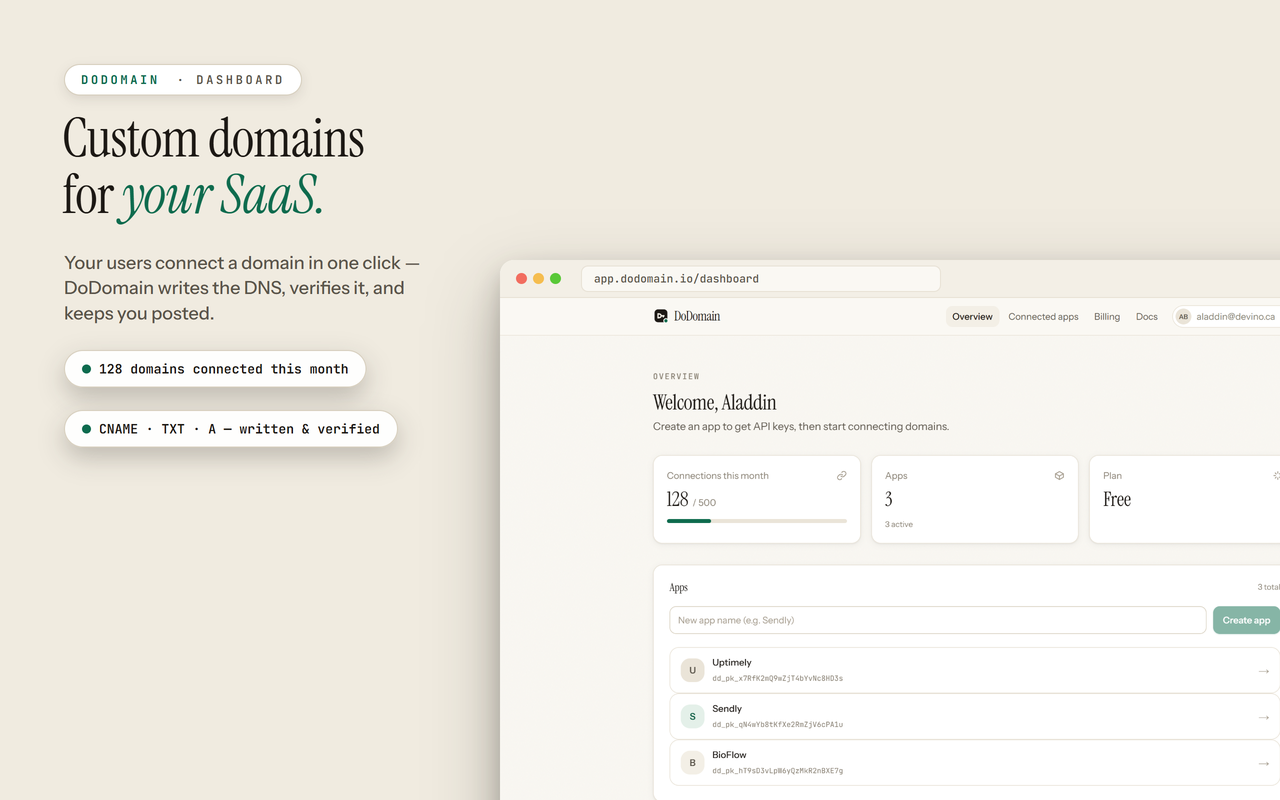
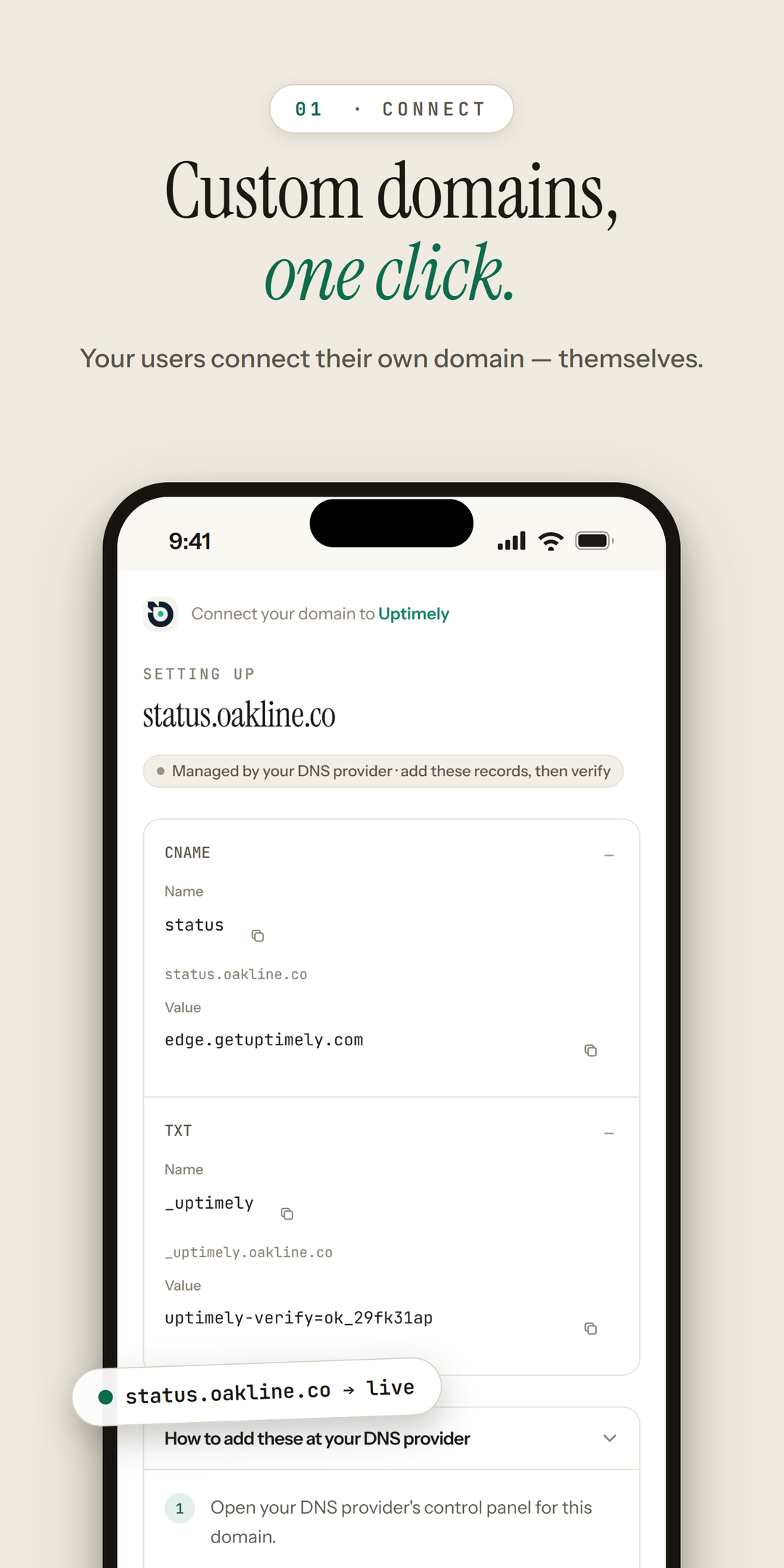
The dashboard where you create apps, watch connections and chase failing webhooks runs as an app on every device you own. It is the same dashboard, signed in the same way, on the same plan. Installed, it just starts faster and stays out of your browser's way.
Pick your device
Android
Google Play- One tap from your home screen: the dashboard opens full-screen, with no address bar, tab strip or tab switcher between you and a connection.
- Push notifications when a webhook endpoint stops accepting deliveries — the moment a delivery exhausts its retries, everyone on the team hears about it instead of finding out from a customer.
- The whole dashboard, not a cut-down phone version: every app, key, domain connection, webhook delivery and usage number is the same one you see on the web.
iPhone and iPad
App Store- Safari's Share menu → Add to Home Screen puts DoDomain one tap away, opening full-screen with no Safari chrome around the connect flow.
- The interface is precached by the service worker, so a cold launch paints immediately and a dropped connection lands on a DoDomain page instead of Safari's error.
- Nothing is web-only: the hosted connect flow, API keys, connection health and webhook deliveries all work exactly as they do in a desktop browser.
Push notifications are not part of the Home Screen install — they arrive with the native iOS app, which is in TestFlight today while its App Store listing goes through review.
App StoreComing soonShare → Add to Home ScreenStore listing coming soon — install from your browser today.Mac
Mac App Store- Its own window, its own Dock icon and its own ⌘-Tab entry — no hunting through twenty browser tabs for the one with your connections in it.
- ⌘K opens the command palette the moment the window does, with no browser shortcut competing for the keystroke.
- Static assets are precached, so launches are instant and a dropped connection shows a DoDomain offline page rather than the browser's.
The Mac app in TestFlight is the same Catalyst target as the iPhone one, so both listings publish together.
Mac App StoreComing soonInstall from Chrome or EdgeStore listing coming soon — install from your browser today.Windows
Microsoft Store- Its own window, its own taskbar icon and its own Alt-Tab entry — pin it and the dashboard is one keystroke away.
- Ctrl+K opens the command palette straight into the window, with no browser shortcut competing for the keystroke.
- Static assets are precached, so launches are instant and a dropped connection shows a DoDomain offline page rather than the browser's.
There is no packaged Windows build yet — the browser install is the whole dashboard, and it is what the Store listing will wrap.
Microsoft StoreComing soonInstall from Chrome or EdgeStore listing coming soon — install from your browser today.
AI tools
Use DoDomain from your AI tools
DoDomain runs a remote MCP server, so Claude, Claude Code, Cursor, ChatGPT and any other MCP client can list your apps, start a connection and check a domain's DNS for you. It signs in with OAuth in your browser: there is no API key to paste, and every call is subject to the same permissions your own account has.
- Server URL
The only thing most clients need. OAuth registration and sign-in are discovered from it.
https://app.dodomain.io/api/mcp
- Claude Code
One command, then approve the browser sign-in.
claude mcp add --transport http dodomain https://app.dodomain.io/api/mcp
- Cursor and other MCP clients
Drop this into the client's mcp.json.
{
  "mcpServers": {
    "dodomain": {
      "url": "https://app.dodomain.io/api/mcp"
    }
  }
}
Full setup guide, tool list and scopes →
Or paste one sentence and let your coding agent set itself up →
More from Devino
Built by the same team
DoDomain is one of a set of tools Devino builds for the people who ship and run software. These are the ones most likely to be useful beside it.
- GetItDoneTasks, daily updates and time tracking in one place, for people and their AI agents.App StoreGoogle PlayHas an MCP server
- SuperBooksConnects to your bank, reads each transaction and reconciles your books for you.Google PlayHas an MCP server
- PostifyCompose once, tailor per platform, then schedule or publish to your social channels.Google PlayMicrosoft StoreHas an MCP server
Questions
- Is there a DoDomain app on the iPhone App Store?
- Coming soon to the App Store: the iOS and Mac app is in TestFlight while the listing goes through review, which is why the Apple rows above show a Coming soon badge rather than a link. Install it from Safari today: open app.dodomain.io, tap Share, then Add to Home Screen. It opens full-screen, with no browser chrome, and it is the whole app.
- Does the app cost anything on top of my plan?
- No. The apps are the same dashboard as the website and are included in every plan, free included. Nothing is bought inside the app.
- Can I use the dashboard offline?
- Only partly, and deliberately so. The interface is cached so it launches instantly and a dropped connection shows a DoDomain page rather than a browser error, but domain and DNS data is never cached: a verification result that is minutes old would be worse than none.
- Will I get notified when something breaks?
- The Android app sends a push notification when a webhook endpoint stops accepting deliveries, so you hear about it before your customer does. Everything else surfaces in the notification bell in the header, on every platform.
- Do I need the app to use the API?
- No. The REST API, the SDKs and the embeddable connect widget are independent of any app; the apps are for the people running the account, not for the integration.
No account yet?
The free plan includes the API, the hosted connect flow and the apps. Create an account in the browser first; the apps sign in with the same account.